Here is the winter holiday season and a lot of people travel and use apartments, hotel rooms, AirBNB etc. Hidden cameras and sound recording devices are small and stealthy. There is no way to be 100% sure that our room is not “wired”, but we can look around in the network if we use it and investigate our surroundings.
Continue reading “How to check the accommodation for hidden devices”Month: December 2022
What is the Logical Volume Manager (LVM) and how to use it?
LVM stands for Logical Volume Manager, it is a tool for file system and disk management on Linux. It can work in different ways like allocating whole devices, but the general usage is putting the LVM on a partition. One of the most common System [Engineer|Administrator] and DevOps interview topic is creating and resizing LVM volumes.
Continue reading “What is the Logical Volume Manager (LVM) and how to use it?”Understanding the Linux Cron and Crontab
The UNIX/Linux systems have a powerful tool for scheduling tasks while the computer is running. The daemon that is responsible for initiating the tasks (called cronjobs) is called cron, while the tool that lets us edit the configuration is the crontab. Once we understand the basics of cron we can easily master editing the cron files.
Continue reading “Understanding the Linux Cron and Crontab”How to upgrade to Debian Bullseye from Buster in WSL?
If we installed a Debian WSL distro on our computer, there is a chance that in 6-9 months a new release will come out. We want to keep our system updated, so a distribution upgrade should happen in our WSL ecosystem.
Continue reading “How to upgrade to Debian Bullseye from Buster in WSL?”Understanding the Linux file permissions
Linux supports multiple users and groups on the system to log in, create, modify and delete files and folders. System files and folders must be protected from the ordinary users to avoid accidental deletion or modification. Configuration files can contain sensitive data like passwords and certificates. Our home user directory can contain our private secrets as well. In UNIX/Linux there is a permission and owner/group system in place.
Continue reading “Understanding the Linux file permissions”How to backup and restore a distro on WSL?
Backing up and restoring WSL distros are easy! Simply exporting the stopped distro into an archive file works pretty well. The archive can be moved on an external disk or cloud share. Restoring a backup is importing back the generated archive.
Moreover we can add multiple instances of the same distro with exporting then importing it. With this we can have for example three different Debian boxes in WSL.
Continue reading “How to backup and restore a distro on WSL?”How to rename (or backup) a Python virtual environment?
I find it much easier to create a venv with the same packages than renaming one. I found magic sed commands and directory traversal scripts, but they did a half work or nothing. I found out that recreating an env is easier and faster.
Continue reading “How to rename (or backup) a Python virtual environment?”How to install a secure Apache2 web server on Debian 11?
The expected outcome is:
- To open a browser
- Type the IP address of the machine (DNS configuration is a topic for later)
- It must serve a new, custom html file called index.html with our string “Hello, How are you?”
- Preparation work
- Debian 11 netinstall in a VM is ready (it will be the server)
- The network configuration is ready (IP and port 80 are reachable)
- Root access on the VM

Installing Kali Linux with GUI on WSL
Pre-Installation steps
- WSL must be installed on the host machine prior this task. Microsoft has an extensive documentation on the topic.
- Basic WSL management skills are nice to have, like importing/exporting/removing WSL instances. Use wsl –help for reference.
- Read the Kali documentation about the topic as well.
Ubuntu upgrade FAIL!
I try out the systems I advise to the people. I am a Linux user with a significant background in debugging and solving errors in the system. Being a Debian user since the Woody/Sarge times I welcomed Ubuntu Linux early when it was released the first time. It was a solid, user friendly system for more than a decade. Unfortunately I experience serious quality degradation in the past years.
Continue reading “Ubuntu upgrade FAIL!”Jr. Penetration Tester learning path on THM
TryHackMe is a great site to learn Cyber Security with practical lab exercises. I just finished their penetration tester path to refresh my knowledge.
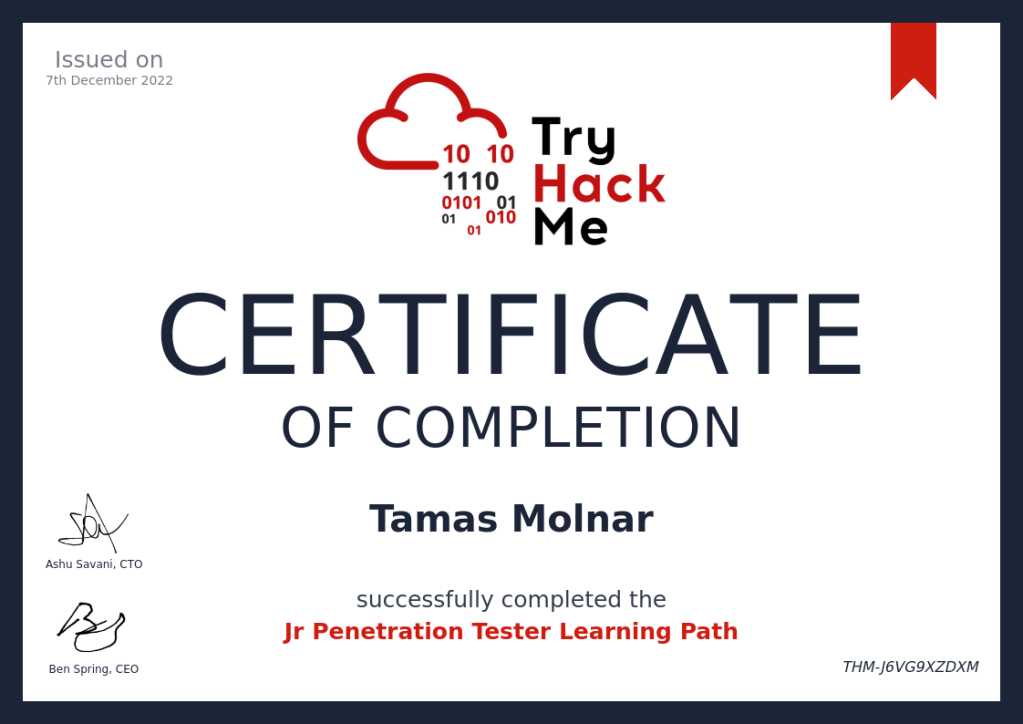
They provide a nice certificate after finishing the path and a short “test”.
How to stay safe on the internet in 2023?
2022 was a busy year for the IT professionals with the defense against the increased number of security threats. As the world has been hit by COVID-19, and many companies introduced a remote work scheme, the attack surface grew exponentially. Most companies stayed with the hybrid work model after the lockdowns, so the issue will remain with us, IT professionals to adapt to the new world.
Remote work and the “Bring Your Own Device” culture added a new level of complexity to the Cyber Defenses. More complex endpoint security and extended policies are necessary to keep up with the increased threats. Remote access and the outdated identity and access management bring huge problems into the mix.
Cyber Security starts on a personal level. It means that our professional lives are mixing our private ones, the border is blurry, not to mention that most people use their system with privileged access (as an Administrator).
Malicious actors try to get valuable information from employees of the companies even in their private life, and they try to use it later in their acts.
Here are some of my advice to stay safe(r) in 2023.
Continue reading “How to stay safe on the internet in 2023?”The future of DevOps
A lot of people are talking about the future of the IT, the traditional operations work, and they are trying to guess whether they will have a job in IT in the future.
As I see most IT colleagues feel some uncertainty about their jobs. Different positions (and position names) come and go at the huge tech, telco and financial companies. The fluctuation of the people is also constant.
Do you think your job is in danger? Read further!
Continue reading “The future of DevOps”Password Manager upgrade: I switched to KeepassXC
I’ve been using the Keepass password vault for years. I don’t remember when I started to keep my secrets in it, but it can be easily a decade ago. Though I always liked Keepass, and its features are strong, times have changed and I looked for something fresher and more elegant. My choice is KeepassXC. Read more to see why!
Continue reading “Password Manager upgrade: I switched to KeepassXC”How to backup and restore a distro in WSL?
Backing up and restoring WSL distros is easier than we think! It is simply an export of the (stopped) distro that can be moved on an external disk as an archive. Restoring a backup is importing the generated tar file.
Moreover we can add multiple instances of the same distro with exporting and then importing it.
Continue reading “How to backup and restore a distro in WSL?” Tom's IT Cafe